

Custom software & integrations
Software made to fitthe way you work.
For companies that have outgrown Excel and off-the-shelf apps: we build web applications, CRMs, portals and dashboards around your process and connect your existing systems, so information arrives on time, without manual copying.
When the business has outgrown its tools
At first, an Excel file and a few separate apps are enough. As you grow, the same tools become the place where time, data and opportunities get lost.
The same data, entered several times
Orders are copied from the store into invoicing, then into stock, then into a report. Every manual transfer is a chance for error.
Processes that live in Excel and emails
Approvals, quotes and status reports are tracked in files sent back and forth, with no clear version and no history.
Apps that don't talk to each other
The CRM, the ERP, the store and the invoicing platform each have their own data, and nobody has the full picture.
Off-the-shelf solutions don't fit
You pay subscriptions for features you don't use, yet the one workflow specific to your business is exactly what's missing.
Clients call for simple information
An order status, a document or a payment history requires a phone call, because there is nowhere clients can see it for themselves.
What custom software is and what we build
Custom software (or bespoke software) is an application built for a particular company's processes, not for the mass market. We don't start from code but from how work flows through the company: who enters the information, who uses it and where the bottlenecks are. Then we build only what is missing, reusing what already works.
Web applications and internal tools
Applications that run in the browser, tailored to your workflows: order management, bookings, quotes, approvals or inventory.
API integrations between systems
We connect the apps you already use, so data syncs automatically and there is a single source of truth.
Custom CRMs and portals
A CRM built around your sales process, or a portal where clients and partners can see their orders, documents and statuses.
Dashboards and reporting
Key indicators gathered from several sources on a single screen, updated automatically.
Databases and architecture
We structure data so that it is accurate, easy to query and ready for growth.
SaaS platforms and digital products
From the first working version to a platform with subscriptions and multiple clients, built incrementally.
What you can achieve
- 01
Fewer manual operations
Integrations can eliminate repeated copying of data between systems and reduce the time spent on admin tasks.
- 02
Fewer errors
When data is entered once and passed on automatically, the risk of transcription mistakes goes down.
- 03
Real-time visibility
A shared dashboard helps you see the state of sales, stock or projects without waiting for reports.
- 04
A tool that fits the process
Instead of adapting your team to the limits of a standard product, the software follows the way you work.
- 05
Control over the product and the data
The code and data can remain your property, and new features are added at the pace of your business.
The benefits are possible, not guaranteed. The impact depends on your existing processes, the quality of the data, the systems involved and how well the team adopts the solution.
Example uses
The scenarios below are conceptual examples, presented to illustrate what can be built. They do not describe implementations delivered to clients.
- Building materials distributor
B2B portal for repeat clients
Clients place orders at their negotiated prices, see available stock, download invoices and track deliveries, and orders go automatically into the management system.
Conceptual example - Car service company
Internal app for job cards
Mechanics fill in the job card on a tablet, reception sees the status of each car, and the customer receives a text message when the car is ready.
Conceptual example - Travel agency
Integration between bookings, invoicing and CRM
Every confirmed booking automatically generates the invoice in SmartBill, updates the client record in the CRM and appears on a dashboard with the month's receipts.
Conceptual example - Commercial cleaning company
Team scheduling and reporting
Scheduling teams by location, check-in on arrival, checklists with photos and a monthly report generated automatically for each client.
Conceptual example
From the portfolio · 6 projects
Features built to fit
Portfolio projects that go beyond a brochure website, with the functionality visible on the live site.
 01
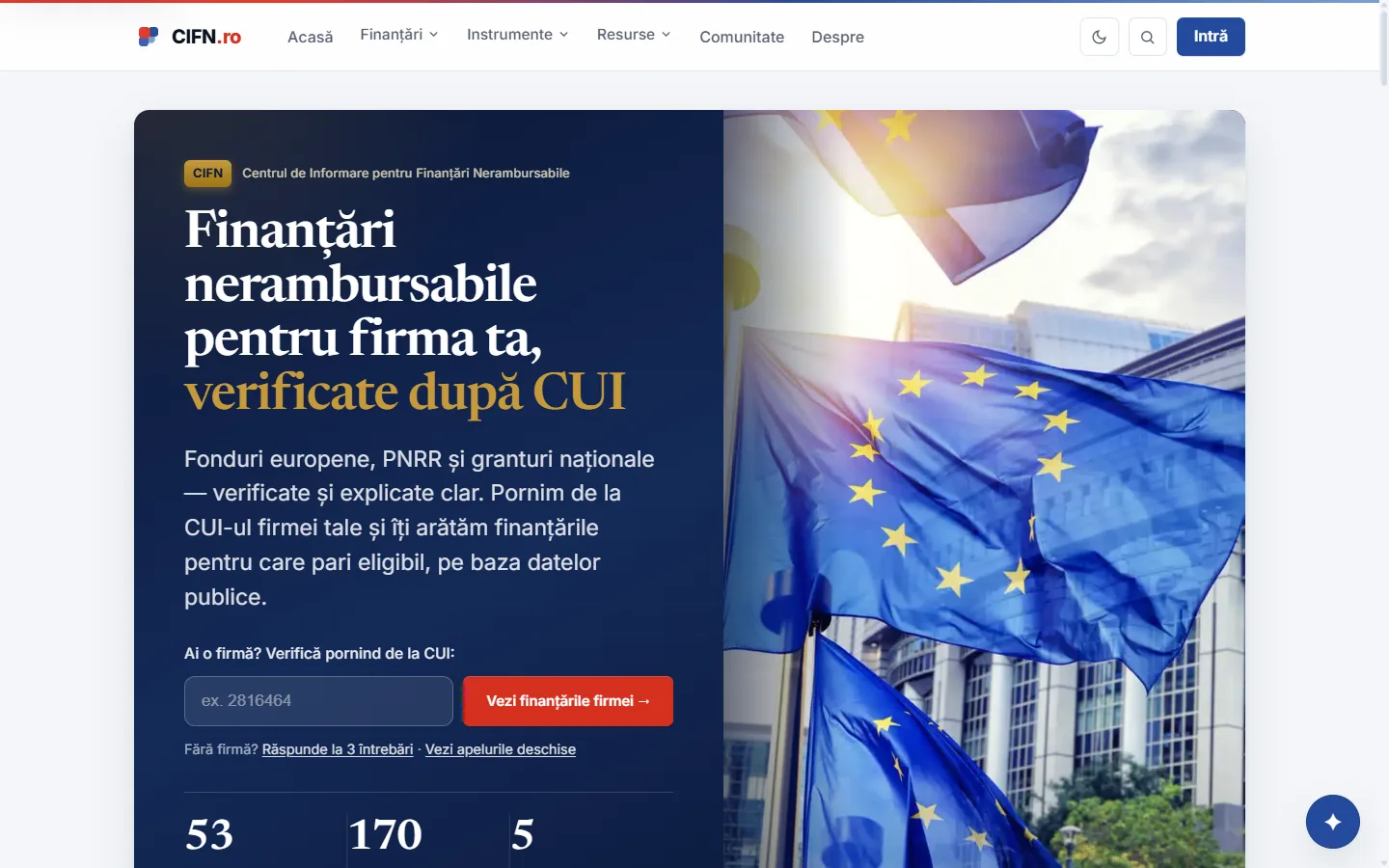
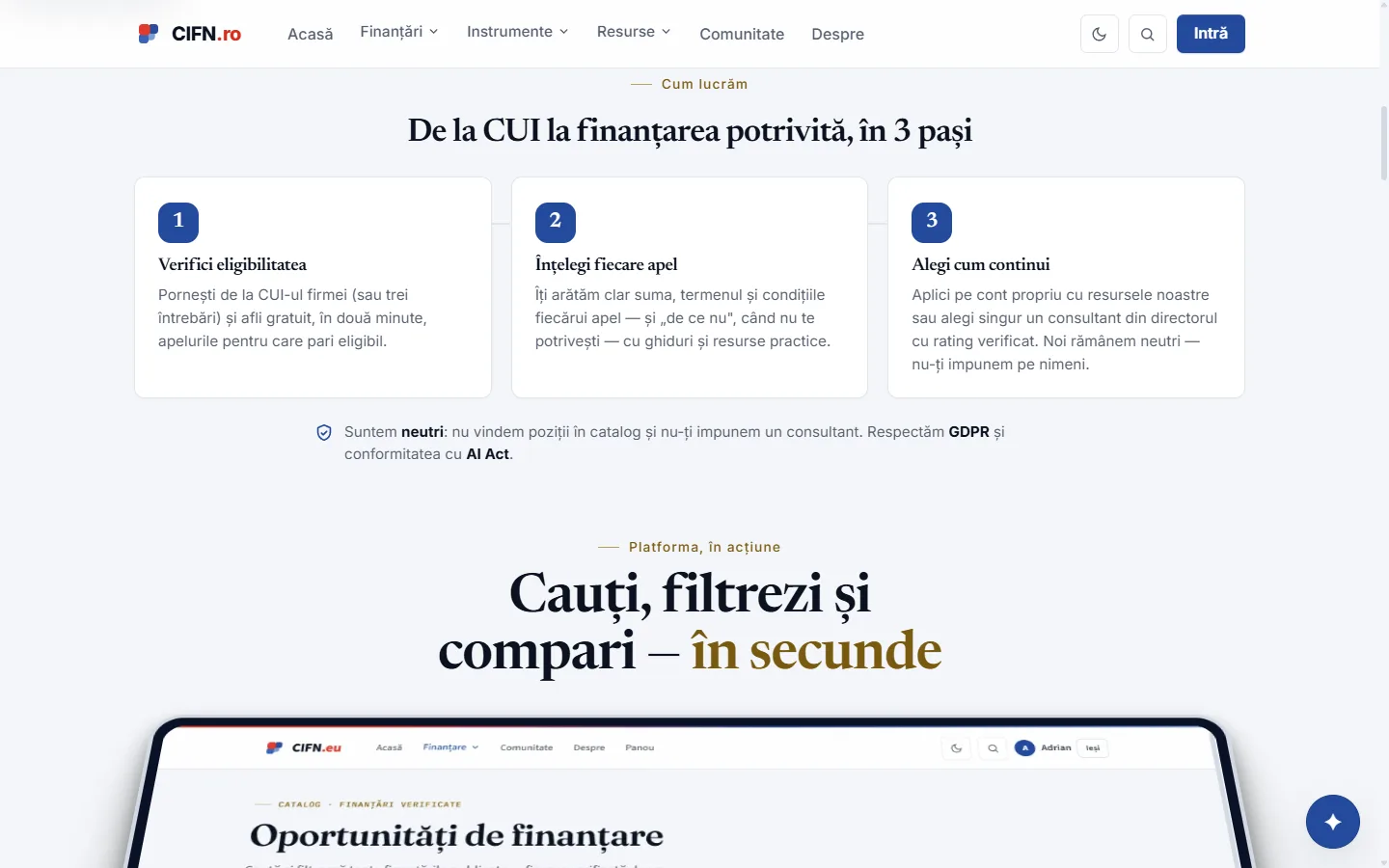
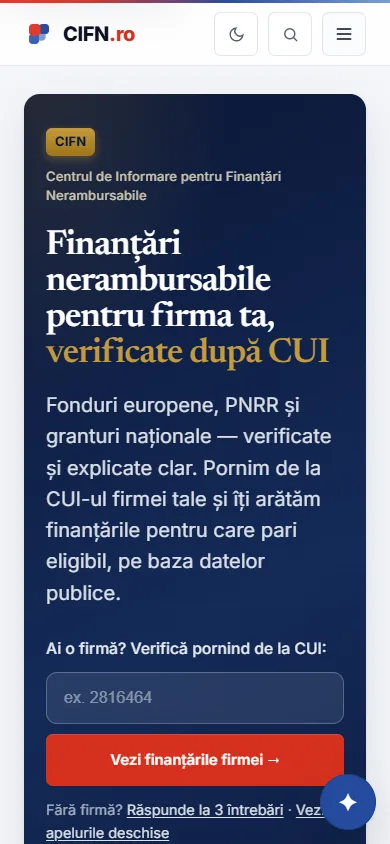 CIFN — Centrul de Informare pentru Finanțări NerambursabileWeb platform · Non-refundable funding & consultancyEligibility check based on the CUI (company tax ID) and filterable funding callsCIFN — Centrul de Informare pentru Finanțări Nerambursabile case study

 02
 Ferma DobrovățWeb platform · Agritourism & animal farmUser account with profile, XP, badges and leaderboardFerma Dobrovăț case study
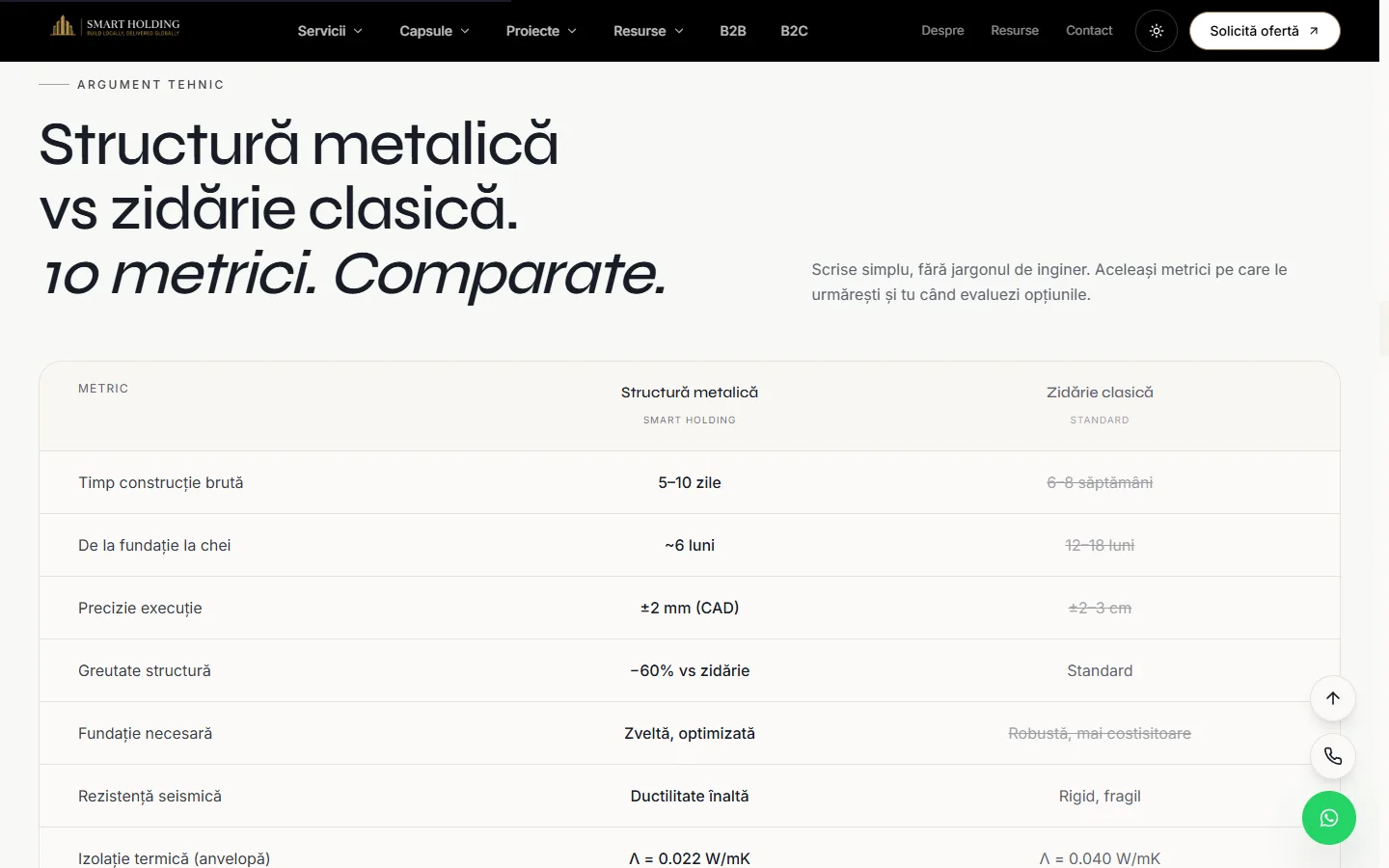 03
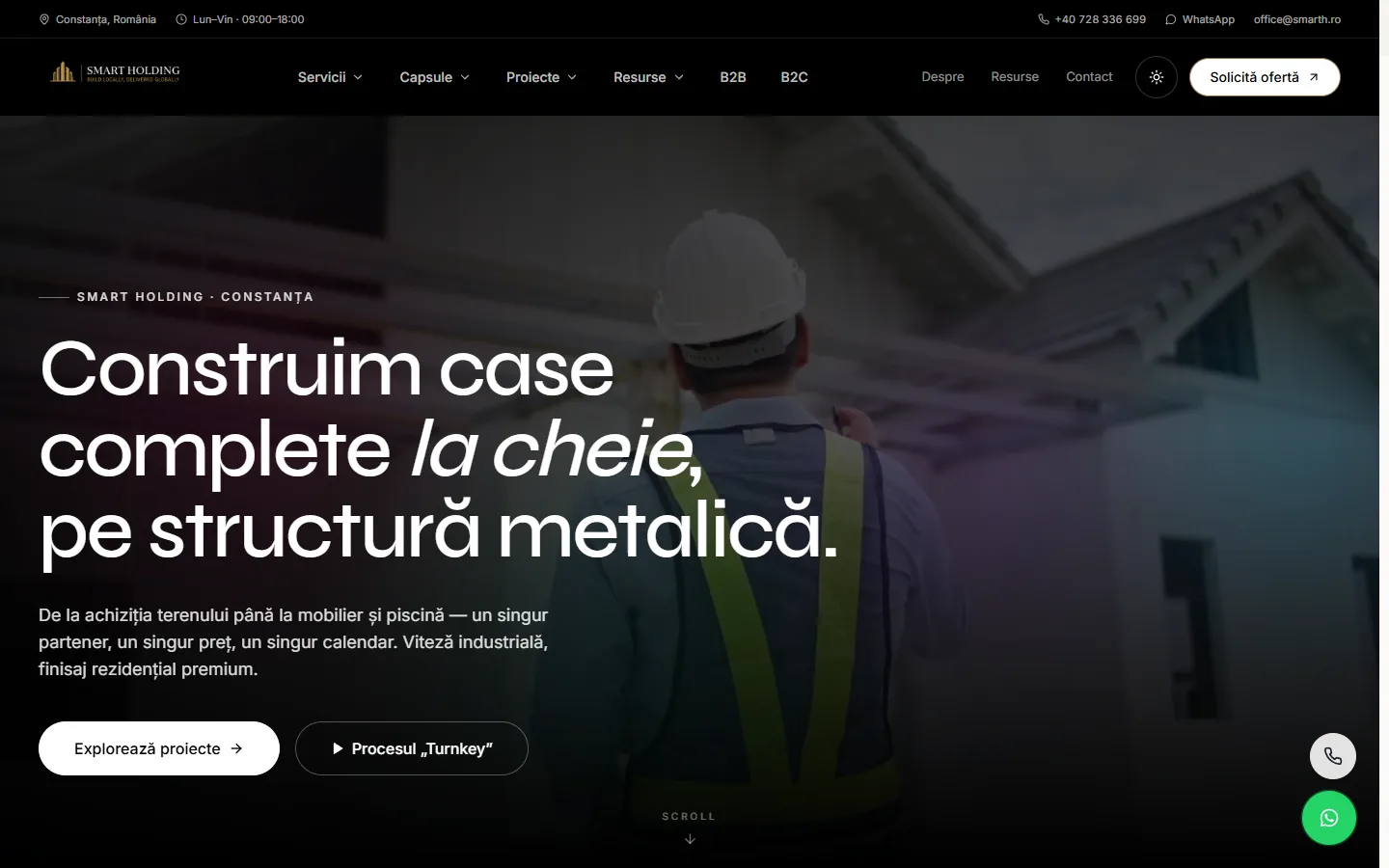
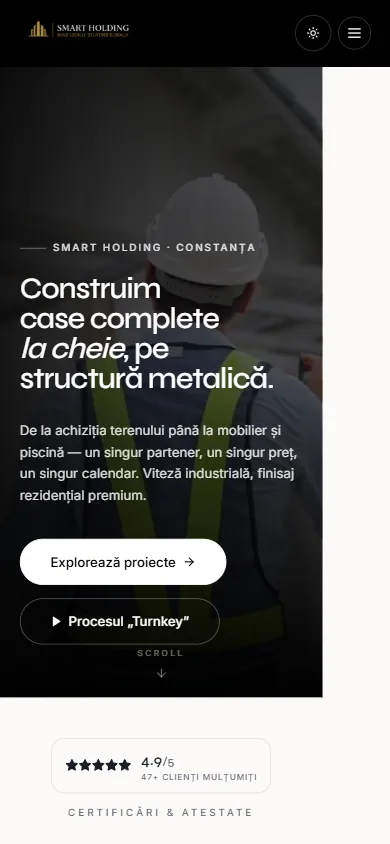 Smart HoldingCompany website · Steel-frame residential constructionCost estimator with packages and add-on optionsSmart Holding case study

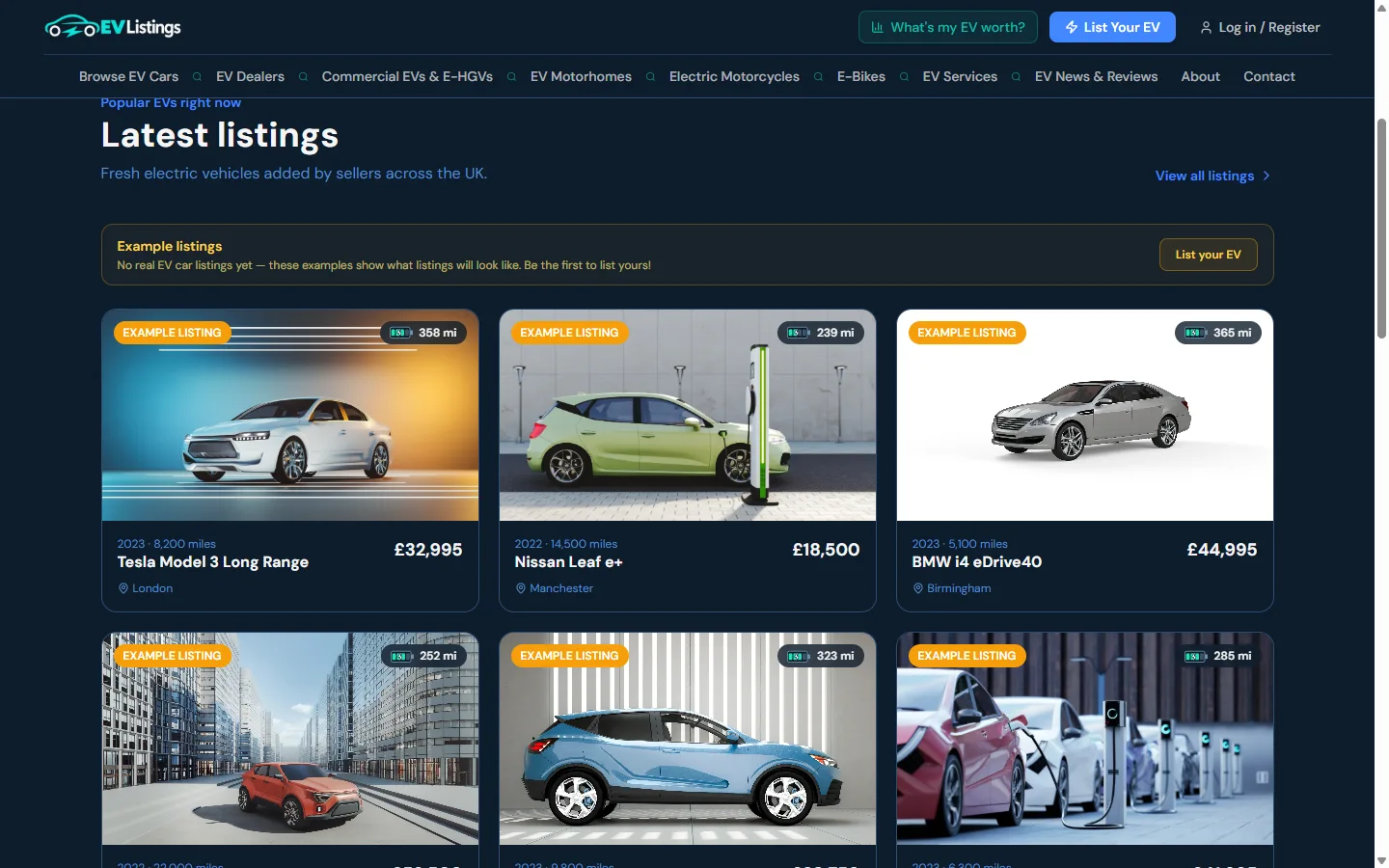 04
 EV ListingsWeb platform · Electric vehicle marketplace (United Kingdom)Assessment tool and user accountEV Listings case study

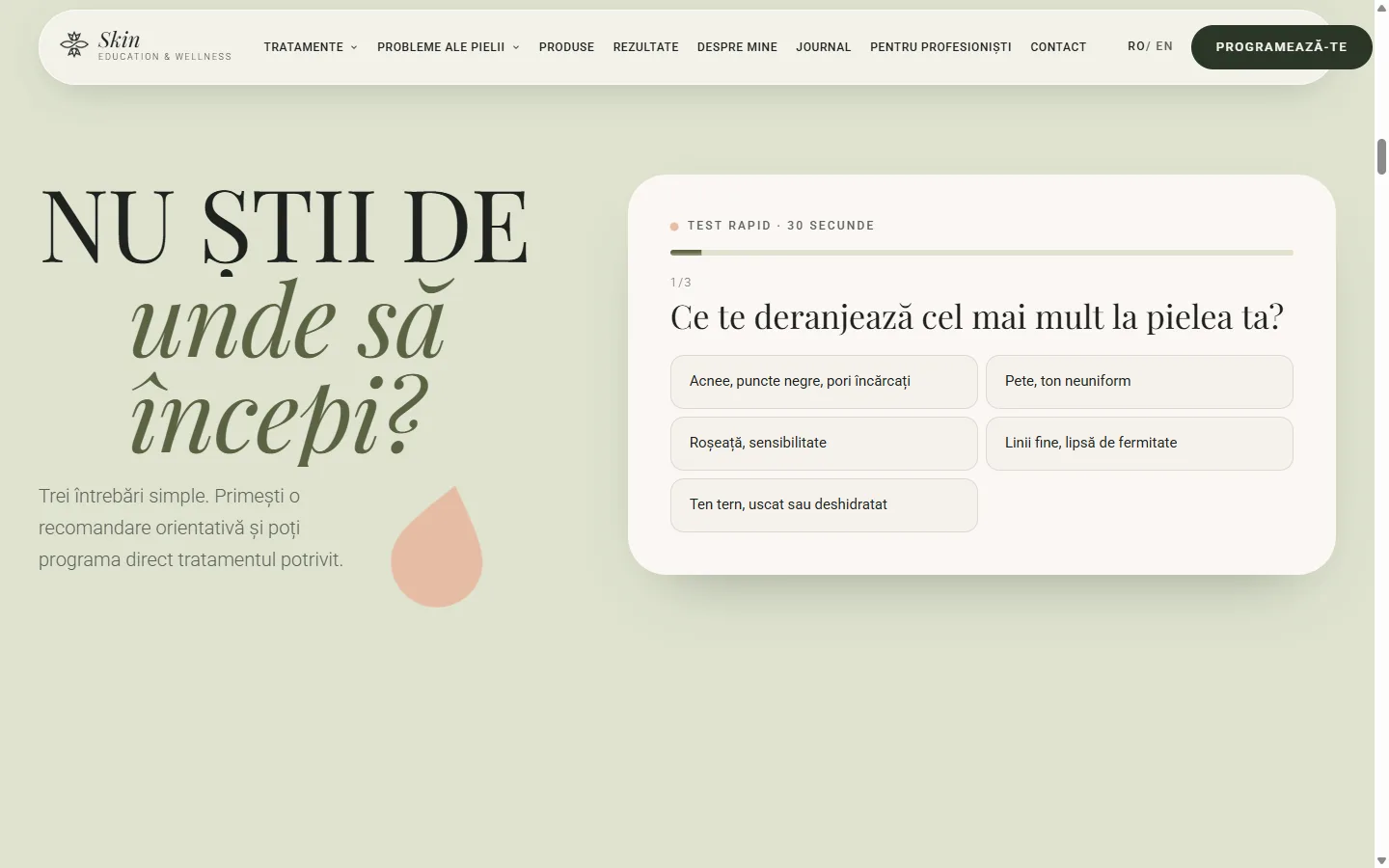 05
 Skin Education & WellnessCompany website · Aesthetics & wellnessIntegrated online booking and a filterable treatment catalogueSkin Education & Wellness case study
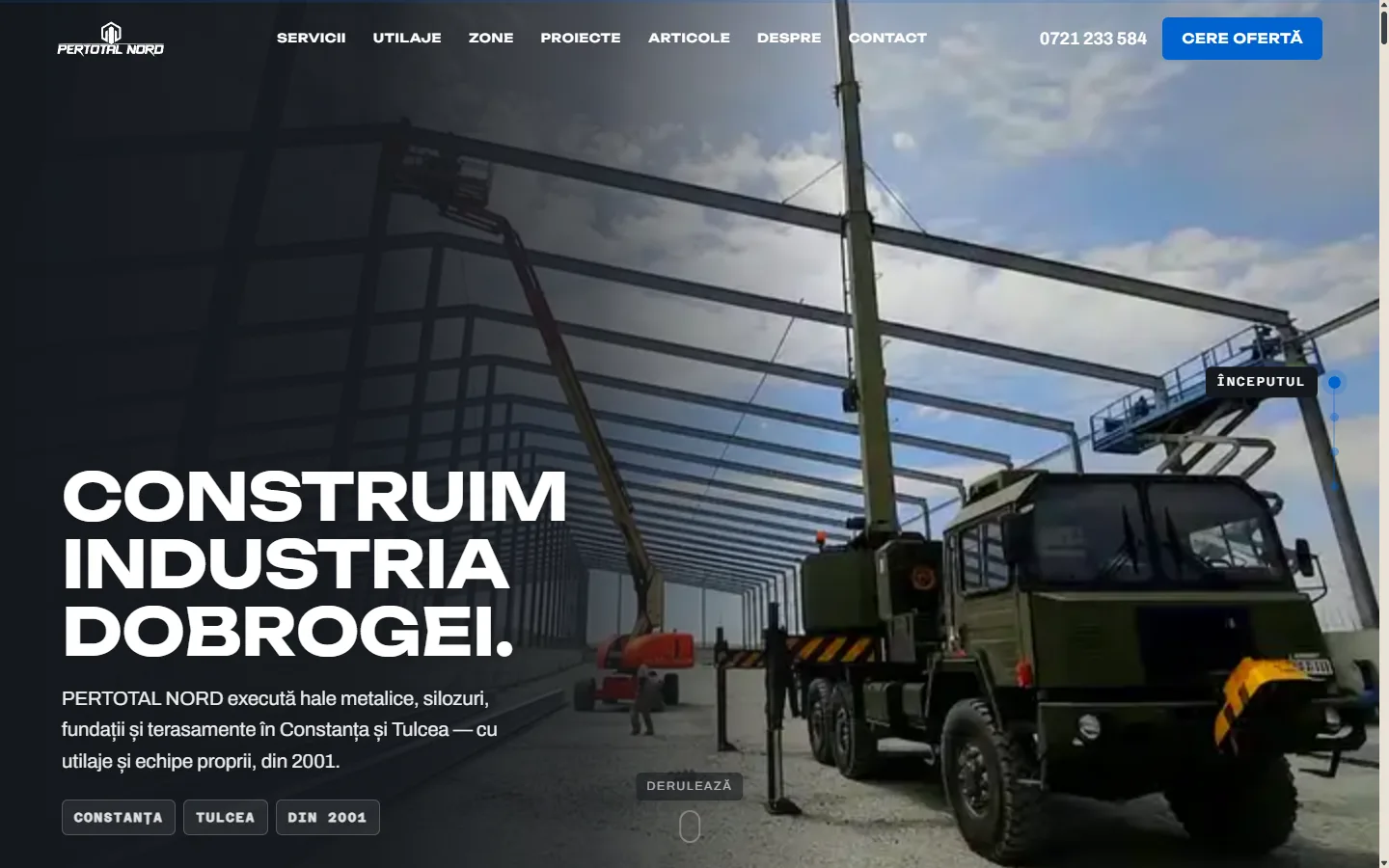
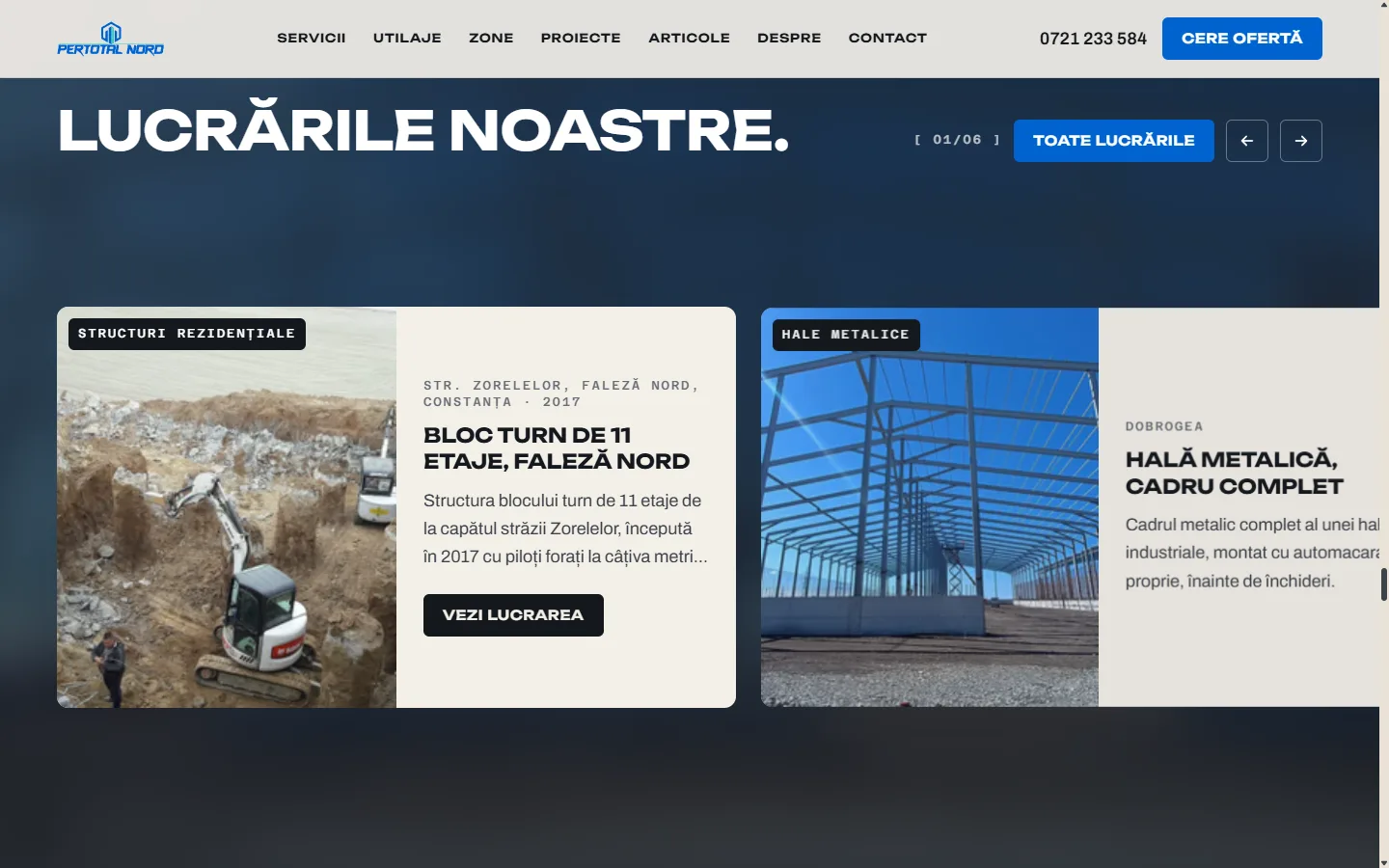 06
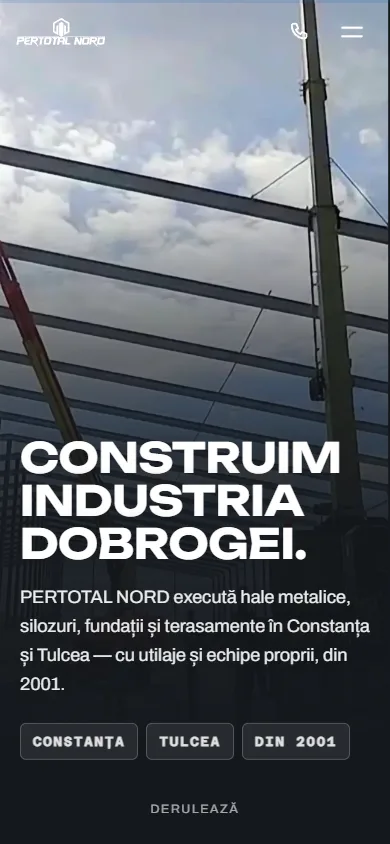 PERTOTAL NORDCompany website · Industrial constructionMulti-step quote request form with file uploadPERTOTAL NORD case study
What the project can include
Every project starts from a specific problem. The modules below can be combined depending on what your business needs.
Applications & platforms
- Custom web applications
- SaaS platforms with accounts and subscriptions
- Internal tools for teams
- Custom digital products, from prototype to launch
Clients & sales
- Custom CRM built around your sales process
- Portals for clients and partners
- Quoting, order and document modules
Data & reporting
- Database design and migration
- Dashboards with indicators from several sources
- Automated exports and reports
Integrations & automation
- API integrations between existing apps
- Automations between systems (syncs, notifications, webhooks)
- Developing your own APIs for your partners
- Preparing data for future AI modules
How we build
Step 01
Process analysis
We talk to the people who will use the software, map the current workflow and identify where time is lost or errors occur.
Step 02
Specifications and architecture
We define the essential features, user roles, the data involved and the systems that need connecting. We agree what goes into the first version.
Step 03
Prototype
We show you the main screens and the flow before full development, so we can validate the direction early.
Step 04
Development in stages
We build in short iterations, with interim versions you can test and comment on along the way.
Step 05
Testing, migration and launch
We check the features and integrations, move your existing data across and prepare the team to use the system.
Step 06
Support and evolution
We monitor the application, fix any issues that come up and add new features as your needs change.
Systems we can connect
We work with the public APIs of common Romanian and international apps, and we build connectors where no ready-made one exists.
The examples are indicative. API availability, usage limits and compatibility with your systems (including ERPs or on-premise applications) are checked for each project.
- SmartBill
- Oblio
- WooCommerce
- Shopify
- Stripe
- Netopia Payments
- HubSpot
- Pipedrive
- Google Workspace
- Microsoft 365
- PostgreSQL
- Supabase
- Zapier / Make / n8n
- REST APIs and webhooks
Security & control
Security, access and ownership
Business software handles data about clients, money and operations. Protection measures are set according to how sensitive the data is and who has access.
Roles and permissions
Each user sees and changes only what they need, with secure authentication and a log of important actions.
Data protection and GDPR
We collect only the data needed, encrypt connections and set rules for retention and deletion. Final compliance remains the responsibility of the data controller.
Backups and hosting
We recommend the right infrastructure, with automatic backups, separate test and production environments and a restore plan.
API keys and integrations
Access keys are stored securely, with minimal permissions, and integrations are monitored for errors.
The code and data belong to you
We set out in the contract the ownership of the code, the documentation delivered and access to the infrastructure accounts.
Useful guides
Before you decide, read
- Development & dataWhat is Next.js? Explained for businesses, plus Next.js vs WordPressNext.js is an open source framework for websites and web applications built with React. What it means for website speed and SEO, and when a CMS such as WordPress remains the better choice.Read the profile
- Development & dataWhat is Supabase? A Postgres backend, explained for businessesSupabase is a backend platform built on PostgreSQL: database, authentication, file storage and functions. What it does, how it compares with Firebase and when it isn't the right choice.Read the profile
- AutomationHow to choose the first process to automate in your companyA practical method for choosing your first process to automate: an inventory of tasks, scoring on clear criteria, a small measurable case, human validation.Read the guide
- Automationn8n vs Make vs Zapier: which automation platform should your business choose?n8n vs Make vs Zapier, compared in terms a manager can follow: hosting, cost model, where data goes, complexity, AI steps and error handling. Plus who should choose which.Read the guide
Frequently asked questions
When is custom software worth it instead of an existing app?
When your process is specific, when you pay for several apps that still don't talk to each other, or when your team loses time every day working around the limits of a standard product. Sometimes an integration between your existing apps is enough, and we'll tell you so honestly.
Custom software or automation between existing apps?
If the apps you have cover the work well and simply don't talk to each other, an integration or automation is usually enough and quicker. Custom software makes sense when the tool itself is missing: a client portal, a CRM built around your process or an internal app for your team.
How much does developing a custom application cost?
The cost depends on the number of features, user roles, the integrations needed, the volume of data to migrate and the security requirements. After the initial analysis, we propose a first version with an estimated budget and options for expansion.
How long does a project take?
The duration depends on complexity, the number of systems connected and your team's availability for feedback. We prefer to launch a useful first version early and then develop it in stages.
Can you connect our invoicing app or ERP?
If the system offers an API or an export and import method, the answer is usually yes. We check the documentation and access before confirming the technical solution.
Who owns the source code?
We agree this in the contract. Usually, the code developed for you can be transferred to you, together with the documentation and access to the infrastructure.
What happens after launch?
We can provide maintenance, monitoring and ongoing development in an agreed format. The application is designed so that other developers can take it over too, if you wish.
Can we add AI features later?
Yes. We structure the data so that it can later support AI assistants, automatic information extraction or analysis, when they make sense for your business.
Can’t find the answer? Write to us and we’ll reply directly.
Let's build the tool you're missing.
Tell us about the process that slows you down or the systems that don't talk to each other. We'll propose the simplest solution that solves the problem.
Related services
- AI automationAutomated workflows between the apps you already use, with AI where it helps and human review where it matters.
- Finance AI & business intelligenceInvoice data extracted automatically, reports that update themselves and clear figures for decisions.
- Web design & web developmentFast, clear websites and online stores built to turn visitors into customers.